
Soda PDF Blog
Expert tips & tricks to help you
manage your digital documents.






Featured Post
-
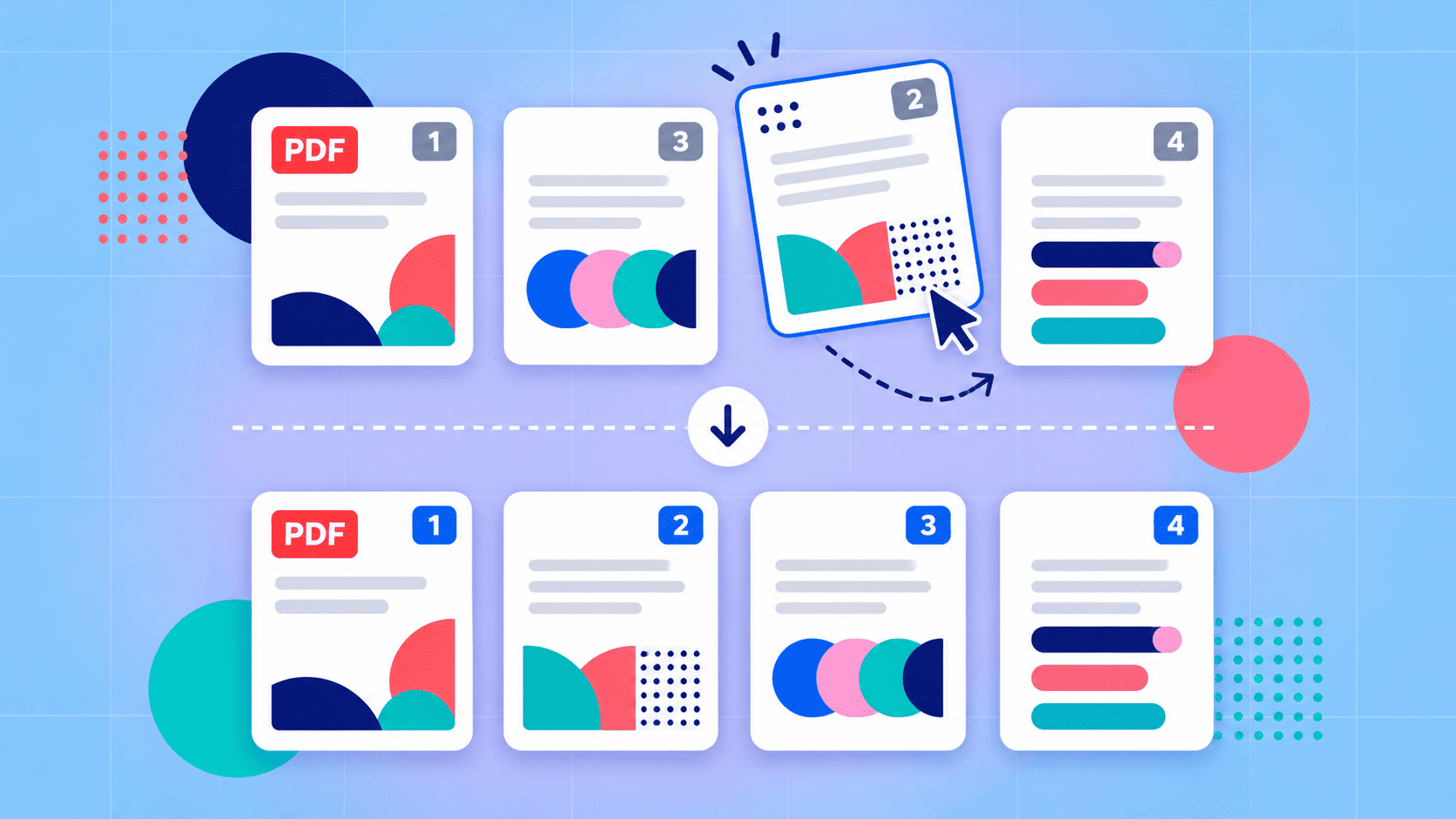
Arranging and Ordering PDF pages
On this page Reorder pages with thumbnails Move a page to a specific position Reverse a back-to-front document Correct order after a merge or scan Save the PDF with the intended sequence Sources Quick answer To rearrange or reorder your…
Share this post
Most Recent
How-To Tutorials
-
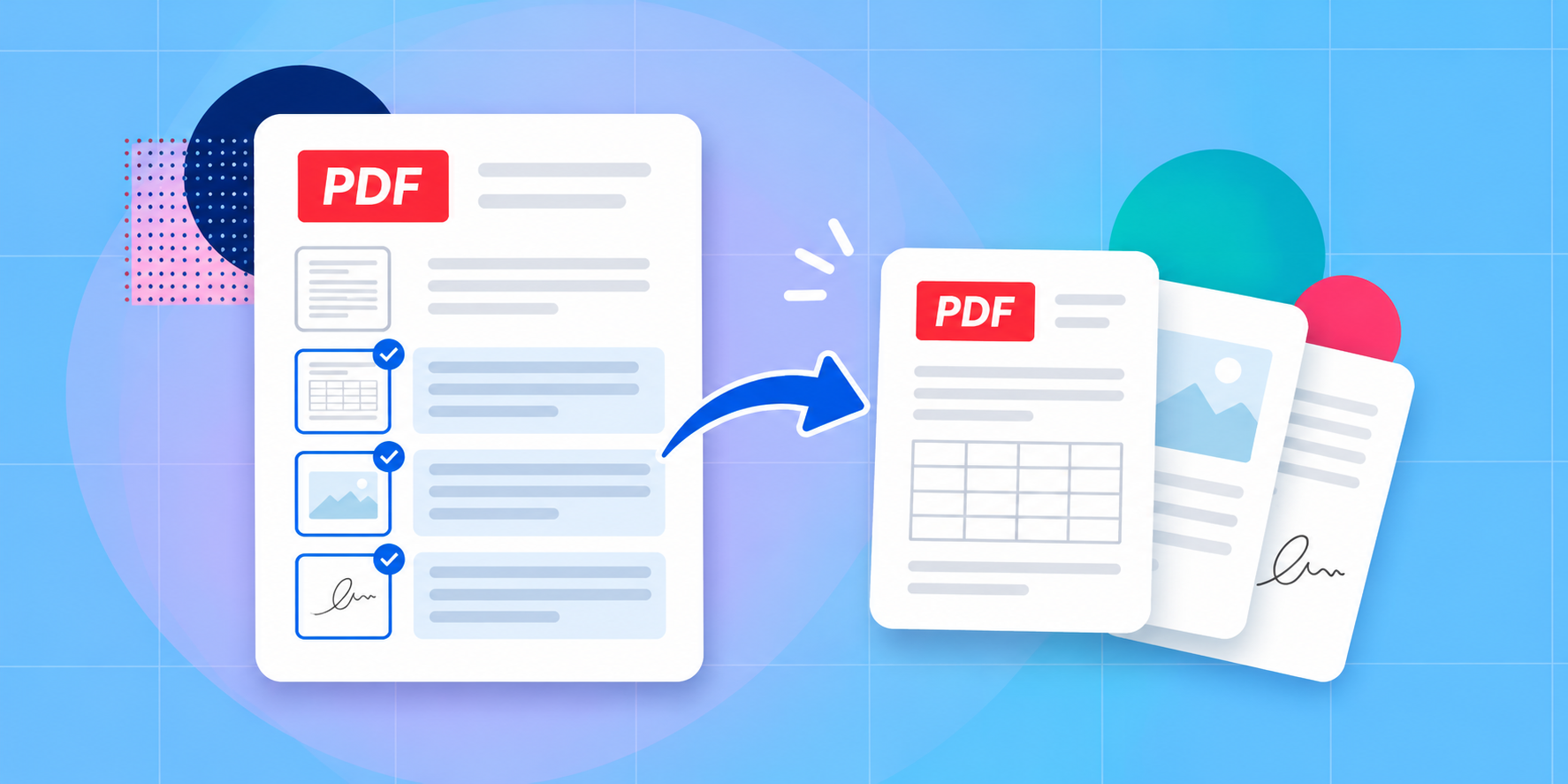
How to sign a PDF: add signatures to your file
Table of contents Step 1: Select and upload your document Step 2: Choose your signature method Step 3: Add your signature and send…
-

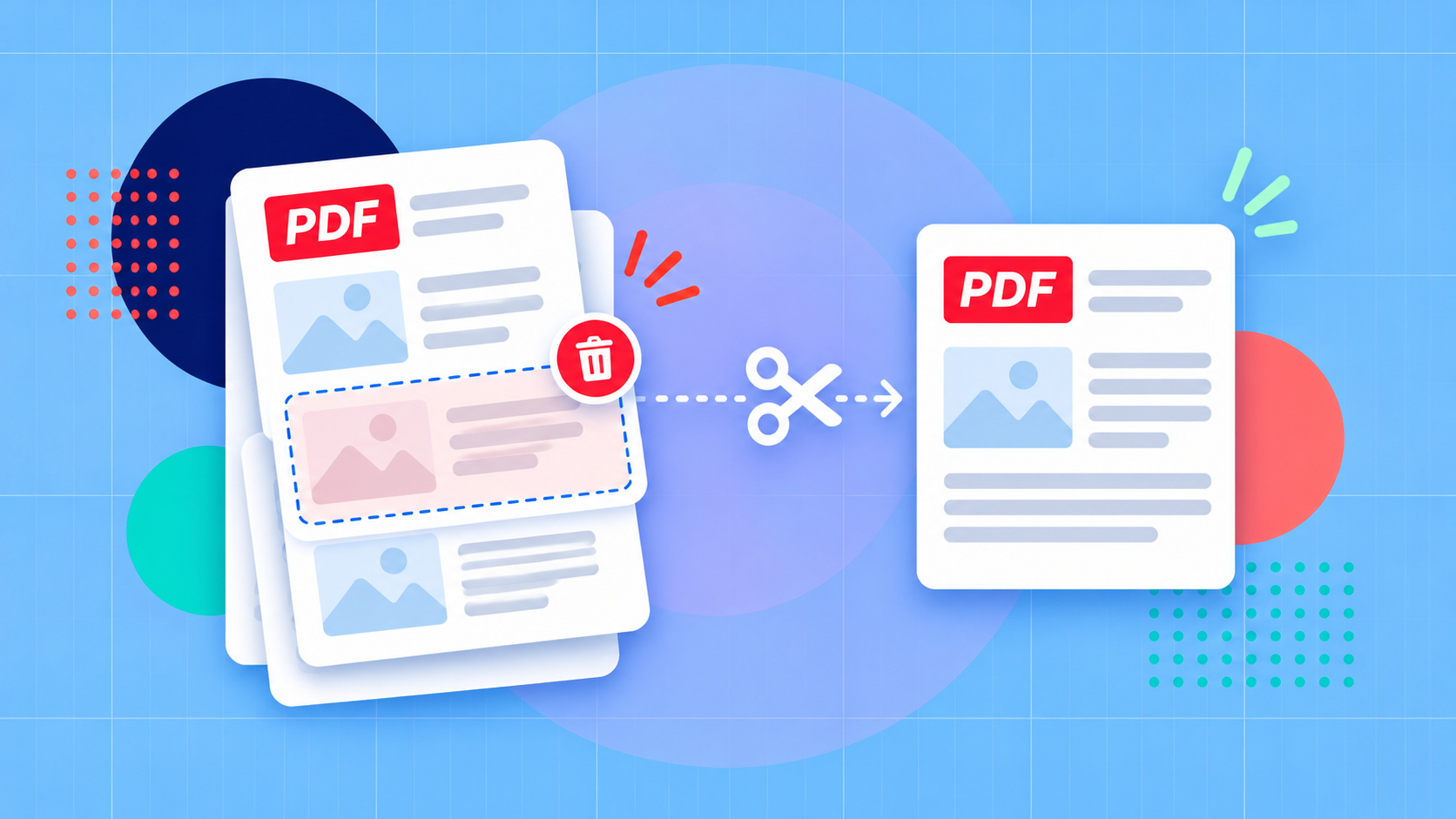
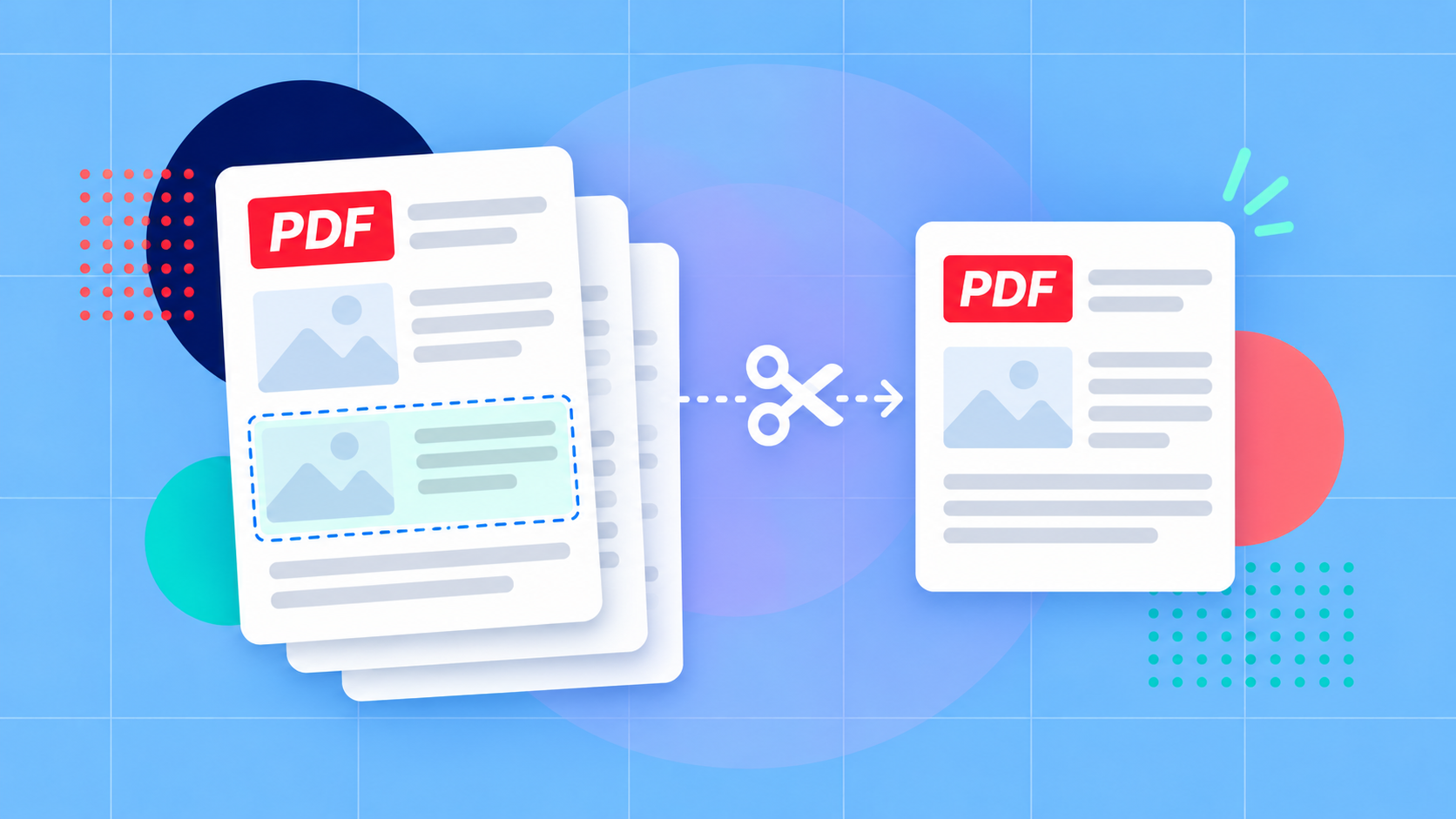
How to split a PDF: easy steps to separate pages
Table of contents Step 1: Choose the document to split and upload it Step 2: Select the pages to extract Step 3: Edit…
-

How to add or remove watermarks from PDF
Adding or removing watermarks doesn’t have to be difficult. This article explains the simple process of removing unwanted watermarks when…
-

How to edit a PDF : a guide to PDF editing tools
Table of contents Step 1: Open your PDF editor and upload your document Step 2: Edit your document Step 3: Save and share…
-
How to choose the right tool to update a PDF file: 2025 Guide
Explore the key features for editing PDFs 📚Table of contents Editing documents: a daily struggle? Save time by editing PDFs…
-
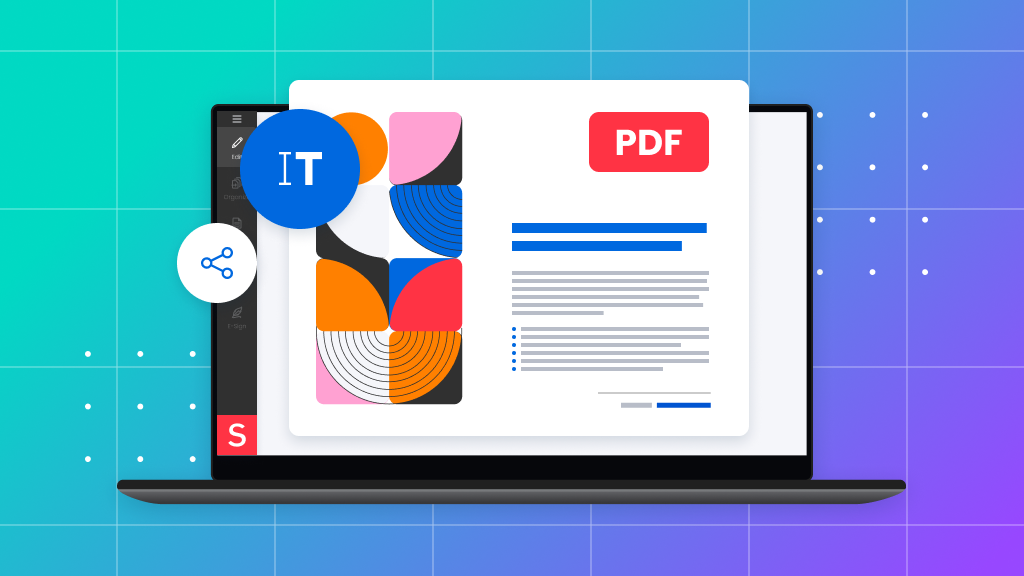
How to create PDF online in Soda PDF
Discover the different functionalities to produce a PDF document online for free Table of Contents With Soda PDF, creating a…
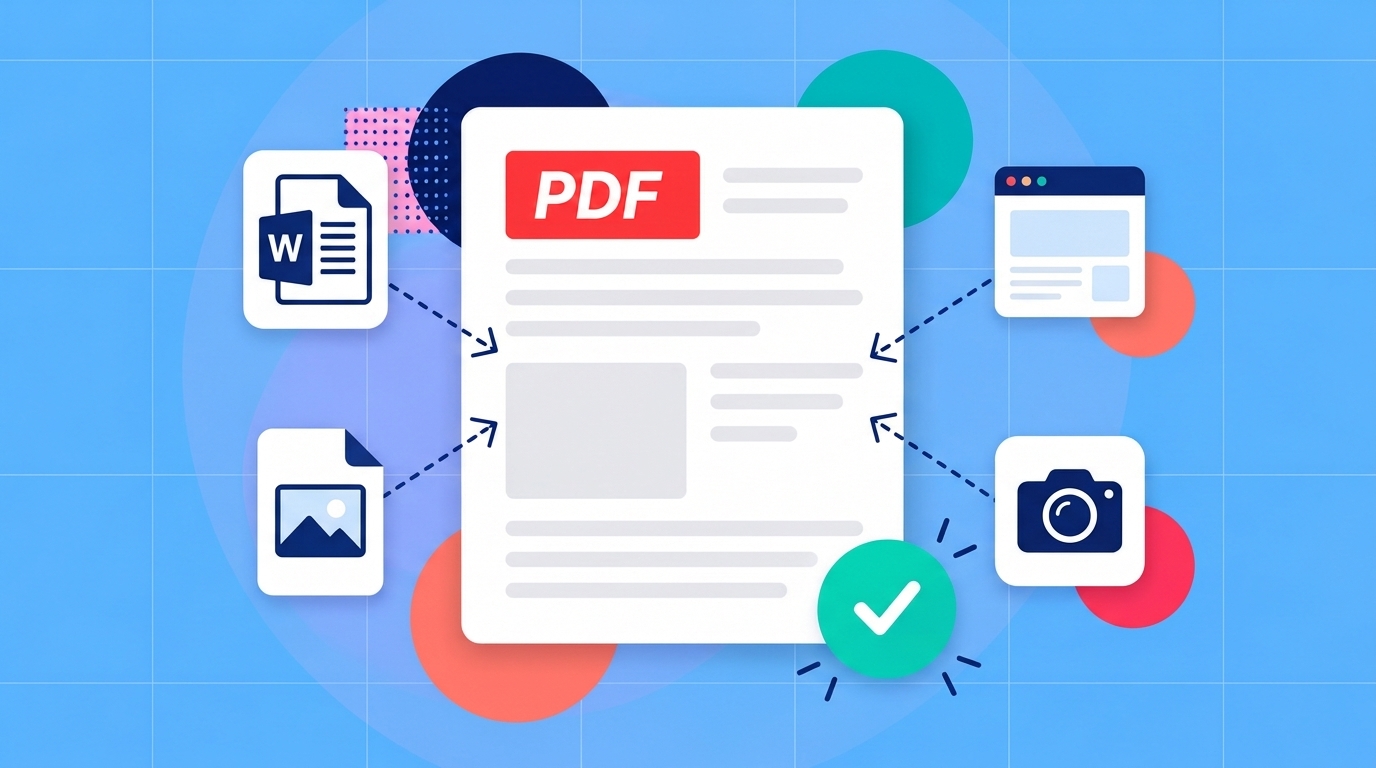
Merging, Splitting & Page Order
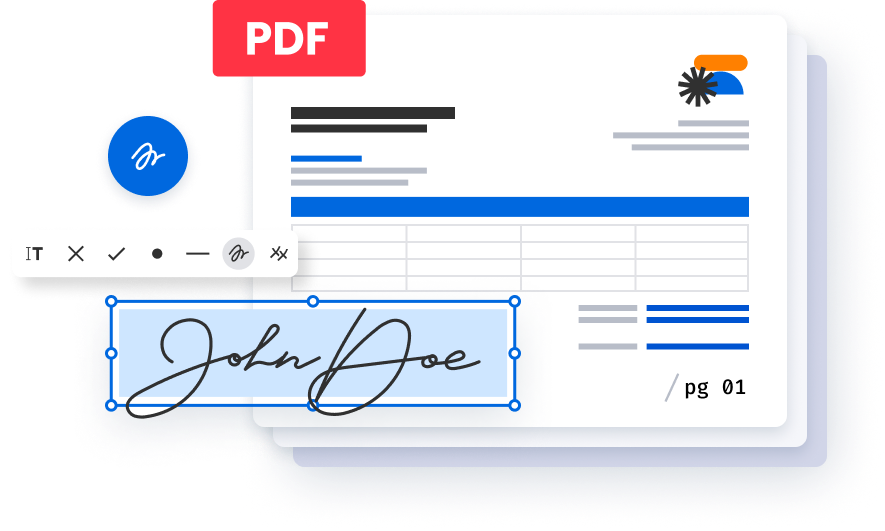
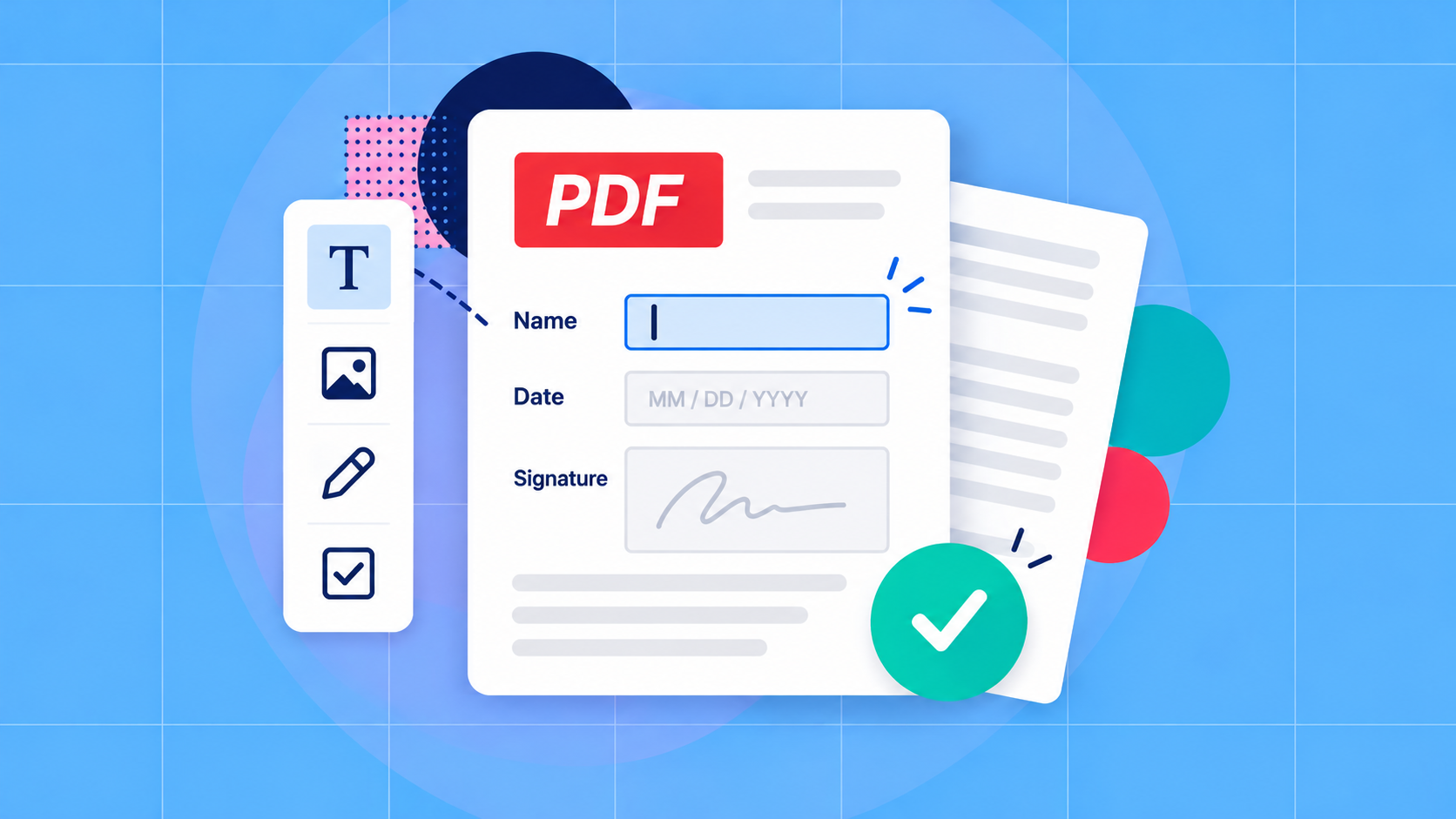
Create, edit and e-sign PDFs easily with Soda PDF PRO
Create PDFs from scratch or modify existing ones with ease. Add text, draw, stamp, whiteout or sign documents electronically. Our user friendly interface makes it simple and straightforward.