Unlock PDF online
Unlock PDF files in an instant using our secure PDF unlocker, without compromising security.
Your files remain private and will be deleted from our servers within 24 hours.
-
From Google Drive
-
From Dropbox
or drop files here
Please make sure you have the legal right to unlock your file.
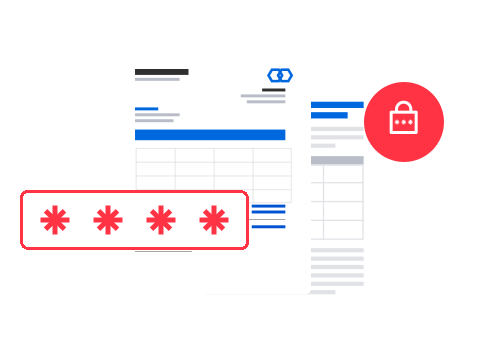
How to unlock PDF files online
Follow these three steps to remove passwords from PDF files and unprotect PDF documents:
-
1 Import your PDF document
Upload the file to be unlocked. You can select it from your device, upload it directly from Google Drive or Dropbox, or drag and drop it into our secure online PDF unlocker.
-
2 Enter the password to unlock a PDF
Enter the correct password, and our tool will instantly verify its validity, remove PDF password protection and unprotect PDF files safely.
-
3 Download your unlocked PDF
Once you unlock your PDF, you can download your file or save it to your cloud storage space.
Pro tip: Accelerate your workflow with cloud storage
Once you unlock a PDF online, you can save it directly to your Google Drive or Dropbox account without having to download it manually. With a single click, your content is directly integrated into your workflow. Save your administrative teams precious time, especially when they have to manage a large number of files on a daily basis.
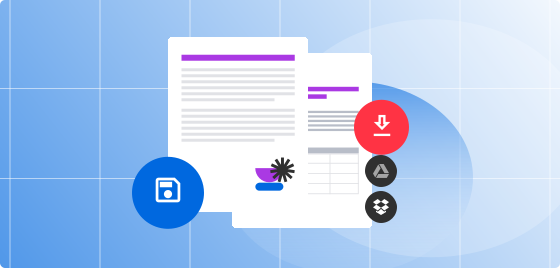
Benefits of our PDF unlocking tool
Instant results – unlock PDFs for free in less than 30 seconds
Our online PDF unlocker works on any device or browser
Secure processing when you unlock PDFs – no files stored
Easily add passwords after you unprotect PDF files
Full control over permissions with our PDF unlocker
Edit your content freely after you remove a PDF password
Soda PDF's awards
Soda PDF has gained valuable recognition as a member of the PDF Association and for earning multiple SourceForge badges, most recently including “Leader for Summer 2026” and the famous "Customers Love Us" badge. These achievements highlight our dedication to product quality and strong customer appreciation.

What customers say about us
Frequently asked questions about how to unlock PDF files
Is your PDF unlocker free to use?
Yes, you can unlock PDFs free of charge with our online tool. The free version allows you to process up to 2 files per day, with a maximum file size of 3 MB. Premium packages are available for higher usage.
What are the legal requirements to remove passwords from PDF files?
You must be legally authorized to unlock PDF files and know the initial password. Our PDF unlocker is designed for authorized access only. If you own the file but have forgotten the password, contact our customer support to find a solution.
Are my files secure when I unlock PDFs online?
Yes. When you unlock PDFs online, they are transferred over a secure connection with 256-bit SSL encryption. They are automatically deleted from our servers after 24 hours and are not accessible to third parties.
Can I change permissions or add a password after I unprotect PDF files?
Yes. After you remove a PDF password, you can change permissions (such as copying, editing or printing) and add a new password using our integrated PDF editor.
Will my PDF file still be compatible with all readers after I unlock a PDF?
Yes. After you unlock a PDF, the file remains fully readable with all standard PDF readers, including Adobe Acrobat®, various browsers and mobile apps.
Are there any risks involved in using a PDF unlocker?
No, as long as you use a trusted PDF unlocker like ours. If a tool is not secure, it can expose your files to confidentiality risks or unauthorized access. Our platform uses advanced encryption to securely remove passwords from PDF files and doesn't store your files after processing.
What other tools does Soda PDF offer aside from the PDF unlocker?
Soda PDF is a genuine alternative to Adobe Acrobat®, with no costly installation or subscription required. We provide you with a suite of online tools that can be used free of charge*, with daily usage limits that apply to the management of your documents. Our online application handles every file format and allows you to:
• Convert your Word doc or docx, Excel, PowerPoint (PPT), PNG, SVG or JPG files into PDF, and vice versa.
• Quickly compress large documents, even those with hundreds of pages.
• Merge or split PDF pages.
• Edit your files with our integrated editing tool.
• Protect, sign or unlock PDF files
• Use our cutting-edge optical character recognition (OCR) technology to extract text from scanned pages or photos saved in image format (PNG, JPEG, etc.).
Our online PDF software offers you numerous optimization options without having to install an application. You can easily unlock PDF online, edit, convert, and manage your files through your browser. Access our various tools via the links in our menu or footer (at the bottom of the page) and discover how simple it is to unprotect PDF files and manage your documents efficiently.
Can I use the PDF unlocker without an internet connection?
Yes. In addition to our online PDF unlocker, we also offer a desktop version for Windows, allowing you to unlock PDF files offline. Check out our options and download it for free.
