
Soda PDF Blog
Expert tips & tricks to help you
manage your digital documents.



Featured Post
-

How to convert a PDF (and other formats) in seconds
Table of contents Step 1: Select and upload your document Step 2: Choose the format of your choice Step 3: Download your new file Ready to convert your PDF, or another format? Try Soda PDF PDFs are great for sharing, but not always…
Share this post
Most Recent
How-To Tutorials
-
How to convert a PDF (and other formats) in seconds
Table of contents Step 1: Select and upload your document Step 2: Choose the format of your choice Step 3: Download your new…
-
How to sign a PDF: add signatures to your file
Table of contents Step 1: Select and upload your document Step 2: Choose your signature method Step 3: Add your signature and send…
-
How to split a PDF: easy steps to separate pages
Table of contents Step 1: Choose the document to split and upload it Step 2: Select the pages to extract Step 3: Edit…
-
How to translate a PDF into a variety of languages
Table of contents Step 1: Choose and upload your PDF Step 2: Select the target language Step 3: Translate your file and adjust…
-
How to merge multiple PDF files effortlessly
Table of contents Step 1: Choose and upload your files Step 2: Arrange file order Step 3: Edit your new document (optional) Step 4:…
-

How to compress a PDF and reduce file size without losing quality
Table of contents Step 1: Choose your file and upload it to compress Step 2: Select the level of compression Step 3: Download…
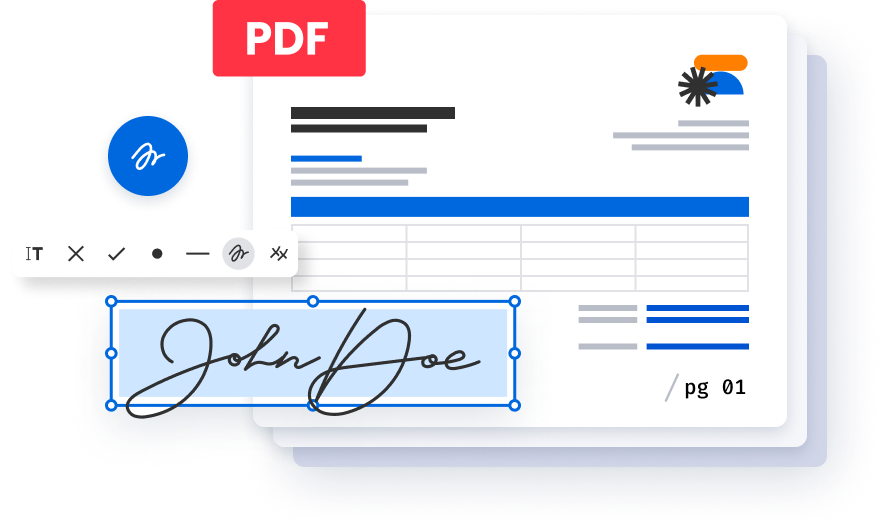
Create, edit and e-sign PDFs easily with Soda PDF PRO
Create PDFs from scratch or modify existing ones with ease. Add text, draw, stamp, whiteout or sign documents electronically. Our user friendly interface makes it simple and straightforward.